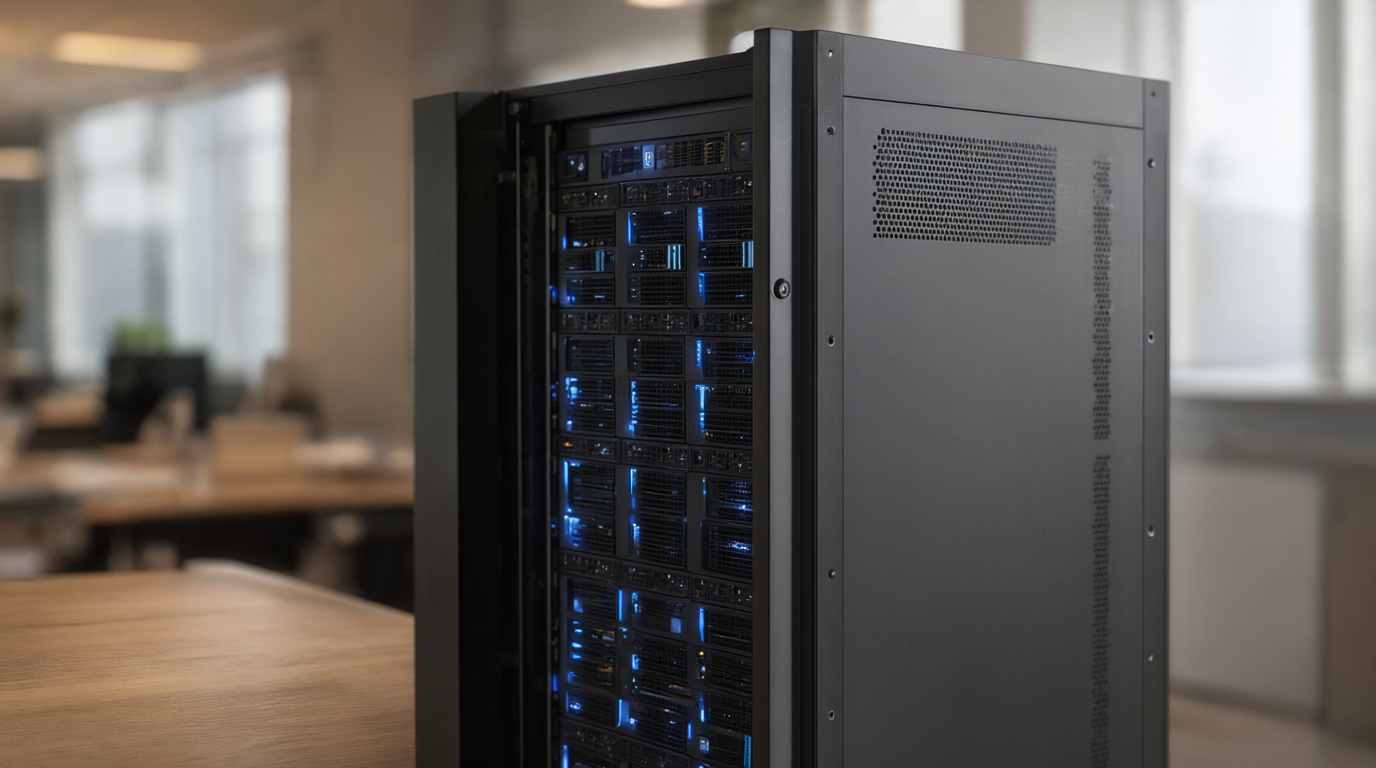
On-Premise AI Server for Small Business: What It Costs and What It Takes in 2026
If your team already leans on AI every day, you have probably asked the quieter question underneath the productivity hype: where does all that company data actually go? An on-premise AI server for small business is the answer a growing number of owners are choosing — a machine in your own office that runs capable language models with no subscription and no data leaving the building. The surprise is how affordable the entry point has become. A practical private stack starts near $2,000, a rig that runs 70-billion-parameter models lands between $4,000 and $10,000, and a frontier-grade setup is roughly $40,000. This guide explains what such a server actually does, the hardware math in plain English, real 2026 prices at three build tiers, and the honest cases where you should not buy one at all.
What Is an On-Premise AI Server (and Who Actually Needs One)?
An on-premise AI server is a computer with a large amount of VRAM (video memory) that runs open-weight language models — Llama, Qwen, Mistral, gpt-oss and similar — behind a private chat interface and an internal API. Employees type into a web page that looks like ChatGPT, but every token is generated on your hardware. No prompt, file or customer record ever touches a third-party cloud, because there is no third party in the loop.
The businesses that genuinely need one share a pattern: they handle client records, contracts, financial data or health-adjacent information; they operate in sectors where a privacy questionnaire from a customer already asks where AI processing happens; or their jurisdiction raises questions about US-controlled cloud providers. For everyone else — a two-person shop using AI for marketing drafts — a paid subscription is still the cheaper and saner tool. An on-premise server is a data-control purchase first and a cost purchase second; when vendors sell it as purely a money-saver, be skeptical.
The Hardware Math: What You Can Actually Run
Model size is governed by one arithmetic rule: memory needed ≈ number of parameters × bytes per parameter. Full-precision (FP16) weights use 2 bytes per parameter, so a 70-billion-parameter model needs about 140 GB of VRAM before context is even loaded. Quantization compresses those weights: InsiderLLM's 2026 VRAM guide lists a 70B model at roughly 75 GB at Q8, 58 GB at Q6, and about 43-45 GB at Q4_K_M — the quantization level most local operators settle on because quality loss versus full precision is a few percent and barely noticeable in daily work. Context windows add more on top: BSWEN's measurements show a 70B Q4 model consuming roughly 2 GB of extra VRAM at a 4K context and about 16 GB at 32K, which is why a "43 GB model" realistically needs 48-50 GB of memory to run comfortably.
Translated to shopping decisions, three capability tiers emerge:
- One 24 GB card (RTX 3090/4090/5090 class): runs Qwen 3.6-27B at Q4 in about 16 GB with 35-45 tokens per second, or MoE models like gpt-oss 120B and Llama 4 Scout that deliver 70B-class quality in 24 GB. InsiderLLM notes the 27B now actually beats the older dense 70B on coding benchmarks (77.2% SWE-bench Verified) while running 3-4x faster — for most office work this single-card tier is genuinely enough.
- Two 24 GB cards (48 GB): runs Llama 3.3 70B at Q4_K_M with 4-8K context at 16-21 tokens per second on used RTX 3090s, or 20-25 tokens per second on dual 4090s. This is the "we need a dense 70B" tier.
- One 96 GB workstation card (RTX PRO 6000 Blackwell): VRAMAtech's benchmarks show it serving a 70B at Q5-Q8 with full context at roughly 30-45 tokens per second — a clean single-GPU build for a professional office with no multi-GPU complexity, plus ECC memory for long-running jobs.
What It Costs: Three Real Build Tiers in 2026
James O'Beirne's widely-shared local-LLM build sheet (July 2026) is useful because it is a bill of materials from someone actually running the hardware, not a vendor's brochure. It defines two anchor points:
- The ~$2,000 tier: a single 24 GB GPU running Qwen 3.6-27B — a complete private AI assistant for a small team, on hardware you own.
- The ~$40,000+ tier: four NVIDIA RTX PRO 6000 Blackwell workstation cards (96 GB each, 384 GB total VRAM) quoted at roughly $46,000, on a base system totaling $5,587 (EPYC motherboard, 128 GB ECC RAM, dual PSUs, fast NVMe storage). The whole stack runs GLM-5.2-class open weights at about 80 tokens per second with 240K context via vLLM — though that throughput figure is a single-user number, not a load-tested benchmark.
Between the anchors, the used market sets the price of the 70B tier. InsiderLLM's August 2026 prices: dual used RTX 3090s (48 GB total) run about $2,200-$2,500 — up several hundred dollars from a year ago because 3090s have appreciated — while dual RTX 4090s run $4,300-$4,800 for the same memory with better speed. Add a used enterprise workstation, a decent power supply and storage, and a realistic 70B-class small-business build lands around $4,000-$6,000 in hardware.
Electricity is the honest footnote. A dual-GPU rig draws on the order of 900W under load according to VRAMAtech's measurements. Run the arithmetic transparently: 0.9 kW × 10 hours × 250 business days × $0.15/kWh ≈ $340 a year if the machine works full business days — noticeable, not scary, but budget it.
For comparison, renting an H100 by the hour — the classic cloud GPU path — costs a median of $8.97/hour across listings, with the more honest 25th percentile at $3.50 (GPUaaS.com's 2026 price analysis). A permanently rented H100 therefore costs $25,000-$78,000 a year, which only makes sense for spiky enterprise workloads. The real comparison for a small business is against seats: ten staff on a $30/month AI subscription is $3,600 a year, versus roughly $2,000-$6,000 of hardware plus modest electricity and admin time. Owning wins economically somewhere in year two or three — if usage is real and sustained, and the data-control benefit applies the whole way.
When a Small Business Should NOT Buy an AI Server
Honesty section, because vendors won't give you this one. Skip the server if: your total AI usage is a few prompts a day (a subscription costs less than the electricity); nobody on your team can run a software update without a contractor on speed-dial; your data has no sensitivity at all; or you are buying it because "AI strategy" feels urgent rather than because a named workload needs it. Also know the maintenance reality: models update monthly, quantization choices affect quality, the machine needs backups, and someone owns it. A private AI server is more like a network appliance than a toaster. None of this is a dealbreaker — it is just budgeting that should happen before the purchase order, not after.
Data Stays Home: The Compliance Angle for Canadian Businesses
For Canadian companies, the physical box in your office settles a legal argument that contracts cannot. Enterprise AI agreements answer a security question, but a US-headquartered provider remains reachable under the US CLOUD Act regardless of where the data physically sits — jurisdiction follows legal control, not server location. We cover that problem in depth in our guide on whether ChatGPT is safe for company data and when to keep AI on-premise. The one-line version: an on-premise server is the only architecture where no third party ever holds the bytes, which is why privacy-questionnaire answers get dramatically simpler the day it is installed.
A Sensible First Build and Rollout
If the numbers above pencil for your business, the proven path is deliberately boring:
- Name three real workloads you want private AI to handle (document drafting over client files, internal knowledge Q&A, call or email summarization). If you cannot name three, wait.
- Buy one 24 GB+ card — a used RTX 3090 (~$1,100) to test, or a 4090/RTX PRO 6000 if you want headroom. Do not buy four GPUs first.
- Install a serving stack — Ollama or vLLM plus an Open WebUI-style front end takes an afternoon on Ubuntu.
- Load a Q4 model (Qwen 3.6-27B or gpt-oss 120B class) and pilot it with five staff for 30 days.
- Measure real usage against what you were paying in subscriptions, then decide whether to add a second GPU for 70B-class work or stop.
The rule that saves budgets: expand on proven usage, never on projected usage.
Frequently Asked Questions
How much does an on-premise AI server cost for a small business?
A useful entry build is about $2,000: a single 24 GB GPU running Qwen 3.6-27B or gpt-oss-class models at Q4 quantization (O'Beirne's July 2026 build sheet). A 70B-class dual-GPU setup costs roughly $2,200-$6,000 depending on used 3090s versus new 4090s, and a frontier four-GPU Blackwell rig runs about $51,000 all-in. Add electricity (roughly $340/year at heavy business-hours use) and some admin time.
Can you run an LLM locally without a GPU?
Technically yes, practically painfully. CPU-only inference of a 70B model manages about 1-5 tokens per second (InsiderLLM), and Apple Silicon Macs with unified memory run 8-18 tokens per second at 70B class. For a machine several people use all day, a 24 GB GPU is the realistic floor.
Is an on-premise AI server cheaper than paying for ChatGPT or Claude seats?
It depends entirely on utilization. Ten users on $30/month plans cost $3,600 a year — a $2,000-$6,000 server breaks even in one to two years only if staff actually use it daily. The stronger argument is usually data control, with cost as a tiebreaker, not the other way around.
What model should a small business run on its own server?
Start with a 27B dense model or a 120B-class MoE at Q4 on a single 24 GB card — current 27B models beat the old dense 70B on coding and most office tasks while running 3-4x faster. Step up to a dense 70B at Q4 (48 GB of VRAM) only for the deepest reasoning workloads, and never quantize below Q4, where quality falls off noticeably.
Do we need special power or cooling for a local AI server?
A single-GPU tower behaves like a gaming PC and fits any office. Dual-GPU rigs draw around 900W under load and deserve a dedicated circuit and sensible airflow. The four-GPU $50,000 tier is genuinely a server-room conversation — rack, cooling and power planning.
Private AI is now a normal small-business purchase rather than a datacenter project — but it only pays off when a real workload and a real data-control requirement exist. If you want a straight answer on whether an on-premise AI server makes sense for your business, talk to ArcBeta Solutions about a private AI deployment assessment — we size the hardware to the workload, not the other way around.